
Why A Single Image Now Carries Video Potential
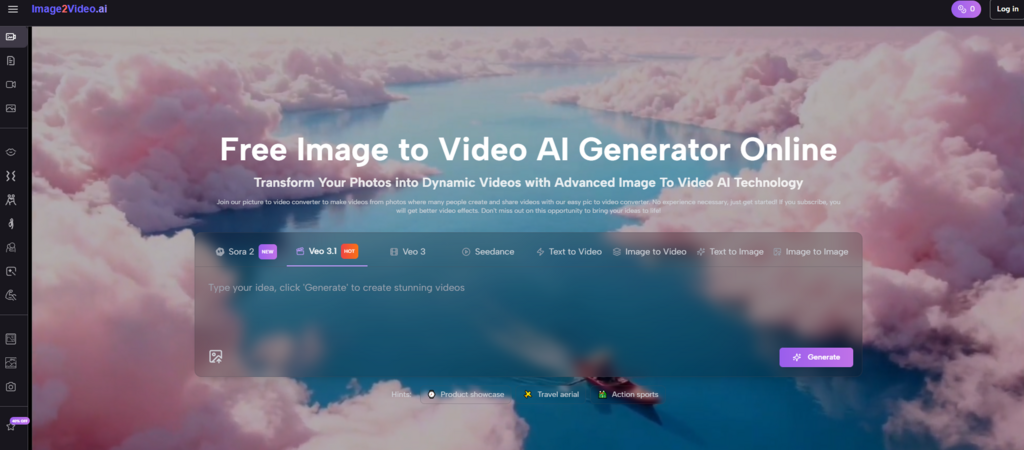
Most people do not start with a video. They start with a still image that already contains the subject, mood, and message they care about. A product photo may already look polished. A portrait may already feel expressive. A travel image may already hold atmosphere. The problem is not always the quality of the image. The problem is that digital spaces now reward movement, and a still frame often struggles to hold attention for long. That is where Image to Video AI becomes useful. It offers a way to turn a static image into a short video through a browser-based workflow that feels much lighter than traditional animation or editing.
What makes this interesting is not just speed. It is the way the tool changes how we think about visual assets. A still image is no longer only something to publish as-is. It becomes a flexible source that can be extended into motion, reused across different formats, and reinterpreted for different audiences. In my view, that is the deeper reason tools like this matter. They are not simply adding effects to pictures. They are changing the life cycle of images. At the same time, it helps to stay realistic. A strong result still depends on the source image, the clarity of the prompt, and a willingness to iterate when the first output feels too flat or too aggressive.
Why Still Images Need A New Kind Of Utility
A few years ago, a good image could do almost everything a creator needed. It could headline a blog post, anchor a landing page, or support an ad. That is still true in some contexts, but the balance has shifted. Motion is now woven into how people expect to consume content. Viewers scroll through feeds built around clips, animated posts, and moving visual fragments. In that environment, still images often need a second form if they want to stay competitive.
This does not mean still photography is becoming obsolete. It means still images now carry more value when they can be adapted. A static visual that can also become motion has more reach than one that cannot. That extra reach matters for creators, marketers, educators, and everyday users who need one asset to do more than one job.
Movement Changes How Attention Is Earned
A still image invites inspection. A moving image interrupts. That difference is important. Motion can create a pause in a crowded visual environment even when the change is subtle. A slow zoom, a drifting camera, or a small subject motion can be enough to keep the viewer engaged a little longer.
Adaptability Matters More Than Pure Originality
Many content teams do not suffer from a lack of raw assets. They suffer from a lack of flexible assets. A tool that helps one image become several outputs can be more valuable than a tool that produces one flashy result with no reuse value.
What The Platform Actually Does
At its core, the platform takes a source image, combines it with a text prompt, generates a short video, and returns that video as a file the user can download or share. That may sound straightforward, but the simplicity is part of the point. The product is clearly built for accessibility. It does not position itself as a full editing suite with timelines and layers. It positions itself as a direct path from stillness to motion.
This matters because it changes who can participate. Someone who would never open professional animation software can still work with this kind of system. They do not need to understand keyframes or compositing. They need a usable image and a clear idea of how that image should move.
The Source Image Acts As The Visual Foundation
The uploaded image provides subject, composition, lighting, and mood. In practical use, this means the quality of the starting image matters a great deal. A clear focal point and readable scene usually give the generator a better base.
The Prompt Functions As A Motion Brief
The text prompt is not an optional extra. It is the instruction layer that shapes the result. Instead of explaining every frame, the user describes the intended movement, atmosphere, or camera behavior. The system then interprets that instruction.
The Result Is A Short, Usable Video Output
The output is designed for quick use. It is short, downloadable, and suitable for sharing or testing in broader workflows. This fits the reality of current content production, where many users need brief moving visuals rather than long-form polished edits.
How The Official Workflow Reflects Its Design Philosophy
The official flow shown on the platform is very direct. Users upload an image, enter a prompt, wait while the tool generates the result, and then download the finished video. That sequence is not only simple. It also signals what kind of product this is meant to be.
The platform is clearly designed for low-friction creation. It assumes that the user values speed, ease, and accessibility more than granular technical control. For many real-world situations, that is exactly the right trade-off.
Step One Upload A Suitable Image
The first stage is uploading a source image in a common format. This is the base material for the transformation. In practice, the best results often begin with an image that already has a clear subject and a coherent visual mood.
Step Two Write A Prompt That Describes Motion
After the image is uploaded, the user adds a prompt. This is where the still frame begins to open up. The prompt defines what the scene should do, whether that is a soft camera push, environmental motion, or a more noticeable animated effect.
Step Three Let The Platform Generate The Clip
The system processes the request and returns a short video. The user can then download or share the result. This stage is intentionally lightweight, which makes the workflow easier to repeat and refine.
Why Prompting Changes More Than The Interface
One of the most important shifts in AI media tools is that language now operates as a creative control surface. That is true here as well. Instead of constructing motion manually, the user describes what should happen, and the platform interprets that description into movement.
This changes the role of the creator. The user becomes less like a traditional editor and more like a director of a short visual moment. For many people, that feels far more intuitive. They may not know how to animate, but they do know the difference between a calm scene and an energetic one, or between a dramatic reveal and a quiet zoom.
Prompts Work Better When They Stay Concrete
Vague enthusiasm rarely helps. A clear prompt usually performs better than an ambitious but fuzzy one. Descriptions such as slow camera move, gentle wind in hair, background lights flicker, or water ripples slightly tend to create stronger direction.
Prompting Rewards Intentional Restraint
The platform becomes more effective when the user knows not only what movement to request, but how much. Small motion can often feel more persuasive than large motion, especially with portraits, product images, or emotionally toned photos.
How Photo to Video Expands The Value Of Existing Asset
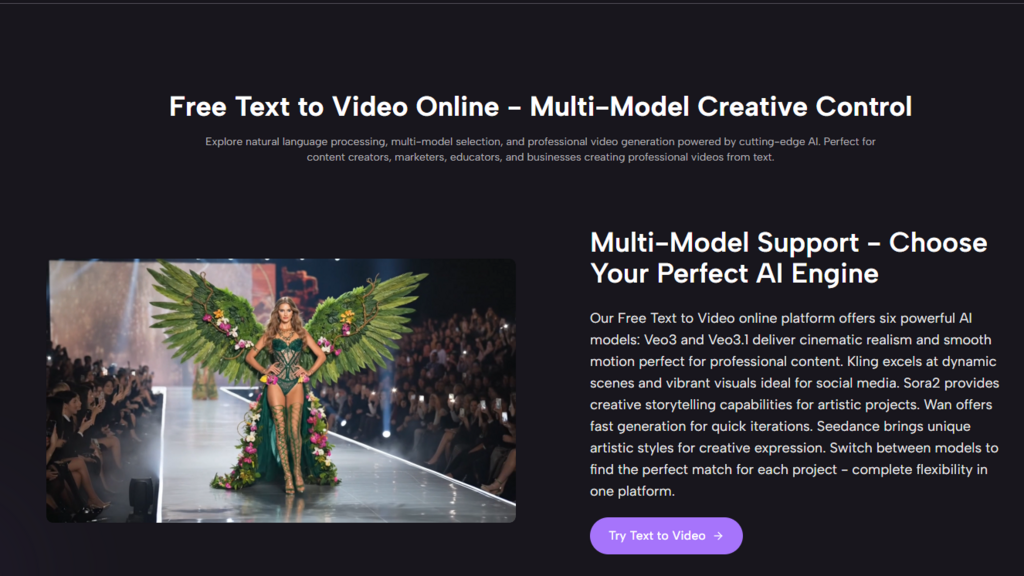
The phrase Photo to Video sounds simple, but its practical value is larger than it first appears. It helps users see their existing image libraries differently. Instead of treating photos as fixed outputs, they can treat them as sources for new motion-based content.
This is especially important for people working with limited time or budget. A creator does not always need a new video shoot. A brand does not always need to build every campaign asset from scratch. If a strong photo can become a short video, the content pipeline becomes more efficient.
Product Photography Gains A Sense Of Experience
A product photo can show design, color, and detail. Motion adds another layer. It can suggest the feeling of a reveal, a premium mood, or a more dynamic presentation. Even a small shift can make a commercial asset feel less static.
Portraits Become More Immediate
Portrait images often already carry emotion. When motion is introduced carefully, that emotion can become more immediate. A subtle push-in or environmental motion may create the impression of presence rather than simple display.
Travel And Mood Imagery Become More Immersive
Travel photos, interior shots, landscapes, and atmospheric scenes often benefit from motion because they already imply an environment. A small camera drift or ambient movement can make the viewer feel less like an observer and more like someone inside the scene.
A Useful Way To Judge The Tool
The most realistic way to judge the platform is not by asking whether it replaces professional filmmaking. It does not need to do that. A better question is whether it makes existing visuals more adaptable and more usable in motion-first spaces. On that measure, the idea is strong.
| Area | What The Platform Offers | Why It Matters |
| Entry difficulty | Simple browser workflow | Makes motion accessible to more users |
| Creative control | Prompt-based direction | Lets non-editors express intent |
| Asset reuse | Converts existing images into video | Extends the life of still assets |
| Output style | Short downloadable clips | Fits social and web use cases |
| Best strength | Fast iteration from one image | Supports experimentation |
| Main limitation | Depends on source quality and prompt clarity | Good judgment is still necessary |
The Tool Is Strongest When Used For Extension
If the goal is to turn a good still image into a lightweight moving asset, the workflow makes sense. If the goal is total cinematic control, users may quickly feel the limits. In other words, the product works best when expectations match its design.
Its Real Advantage Is Operational, Not Just Visual
The most meaningful gain is often not the beauty of one clip. It is the fact that one image can now support several outputs. That operational flexibility can be more valuable than any single aesthetic result.
Where Users Should Stay Grounded
The platform becomes easier to use well when its limitations are acknowledged honestly. AI-generated motion can be appealing, but it does not eliminate the need for taste, image selection, and revision.
Not Every Image Is An Ideal Starting Point
Some images have weak composition, low resolution, or crowded detail that makes convincing motion harder to generate. The tool can add movement, but it cannot solve every structural problem in the source file.
Good Motion Depends On Good Judgment
The most useful outputs usually come from matching the motion to the subject. A gentle portrait and a high-energy promotional image do not need the same treatment. Asking for too much movement can flatten the effect rather than improve it.
Iteration Is A Normal Part Of The Process
One prompt may produce an output that feels too restrained. Another may overdo the motion. That is not unusual. Small revisions often make the difference between a clip that feels generic and one that feels purposeful.
Why Image to Video Matters Beyond Convenience
The bigger significance of Image to Video is that it changes how we categorize visual assets. A still image is no longer just a final piece of content. It can also function as a starting point for motion. That has implications for how brands plan campaigns, how creators build portfolios, and how individuals revisit personal archives.
This shift is subtle but important. It reduces the separation between image-making and video-making. A photographer can think about future motion while shooting stills. A marketer can review a photo library with motion conversion in mind. A designer can create images that are strong as stills but flexible enough to become clips later. In each case, the image becomes more than a destination. It becomes a reusable layer.
Small Teams Gain More Publishing Range
Larger organizations have long had the resources to extract several content formats from a single campaign. This kind of tool narrows that gap. It gives smaller teams a practical way to turn one strong asset into multiple publishable forms.
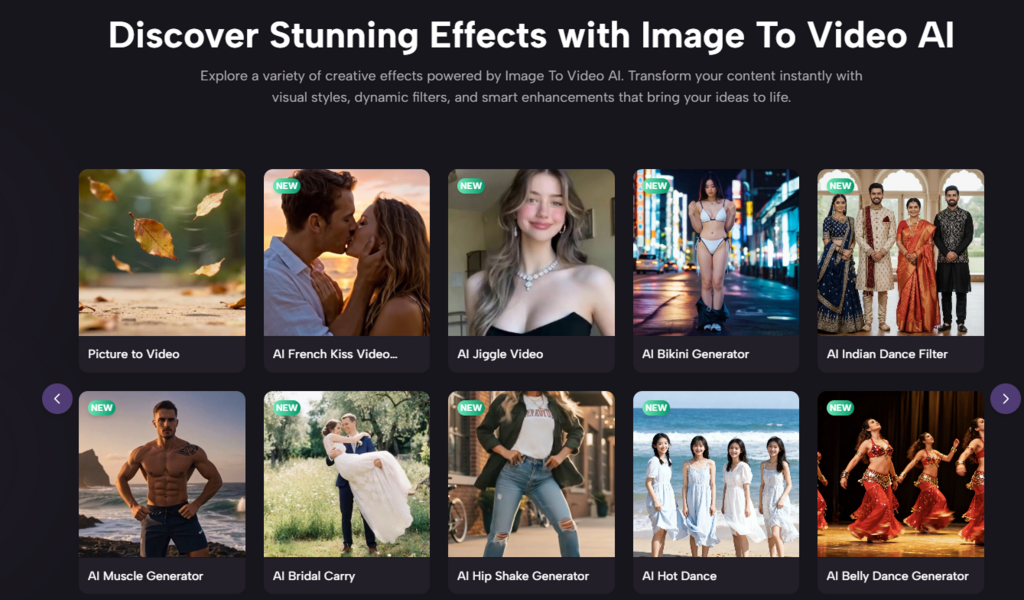
A Still Image Becomes A More Durable Investment
When an image can work as both a still and a short moving clip, its value increases. That does not make every image equally useful, but it does make good source material more powerful over time.
The Frame Stops Feeling Final
A still frame used to mark the end of a visual process. Now it can also mark the beginning of another one. That is a meaningful change in creative logic.
Motion Becomes Part Of Everyday Image Work
The platform is most interesting not because it promises spectacle, but because it normalizes a new habit: treating still images as motion-ready resources. That is a quieter promise, but it is also the one with the most practical long-term value.